New in version 1.3.0 for Windows. See what is new
Build Verse and Chorus Live with Unlimited Undo
The live-looping VST and standalone environment designed for pure flow. Build arrangements instantly, strip them back, and perform without jarring cuts or long-presses.
Free to try on Windows. Also on the Mac App Store and for iPad as UndoLooperGO.
Available on
VST3 and Standalone
Standalone and AU plugin
UndoLooperGO, Standalone and AUv3
A closer look
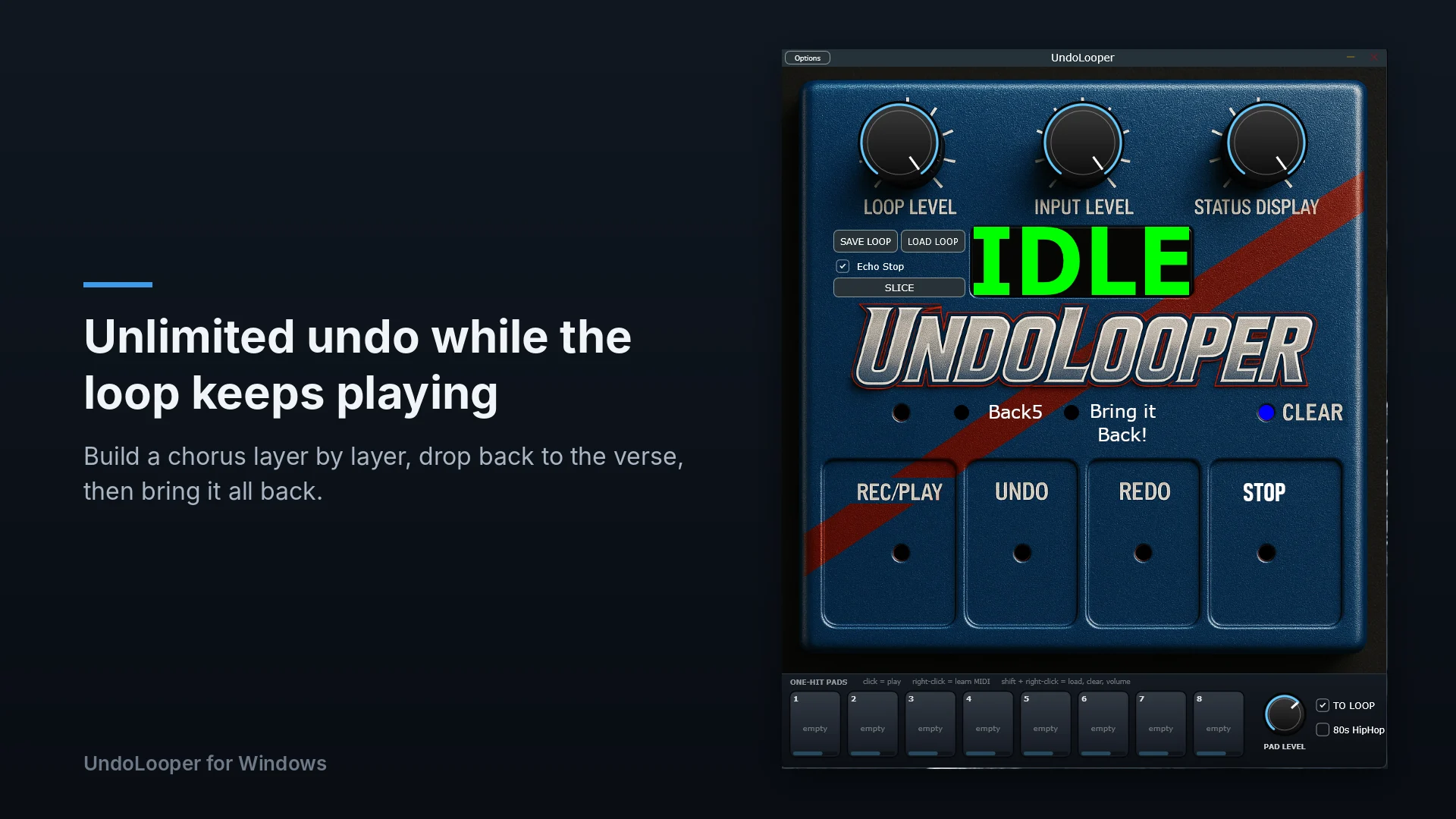
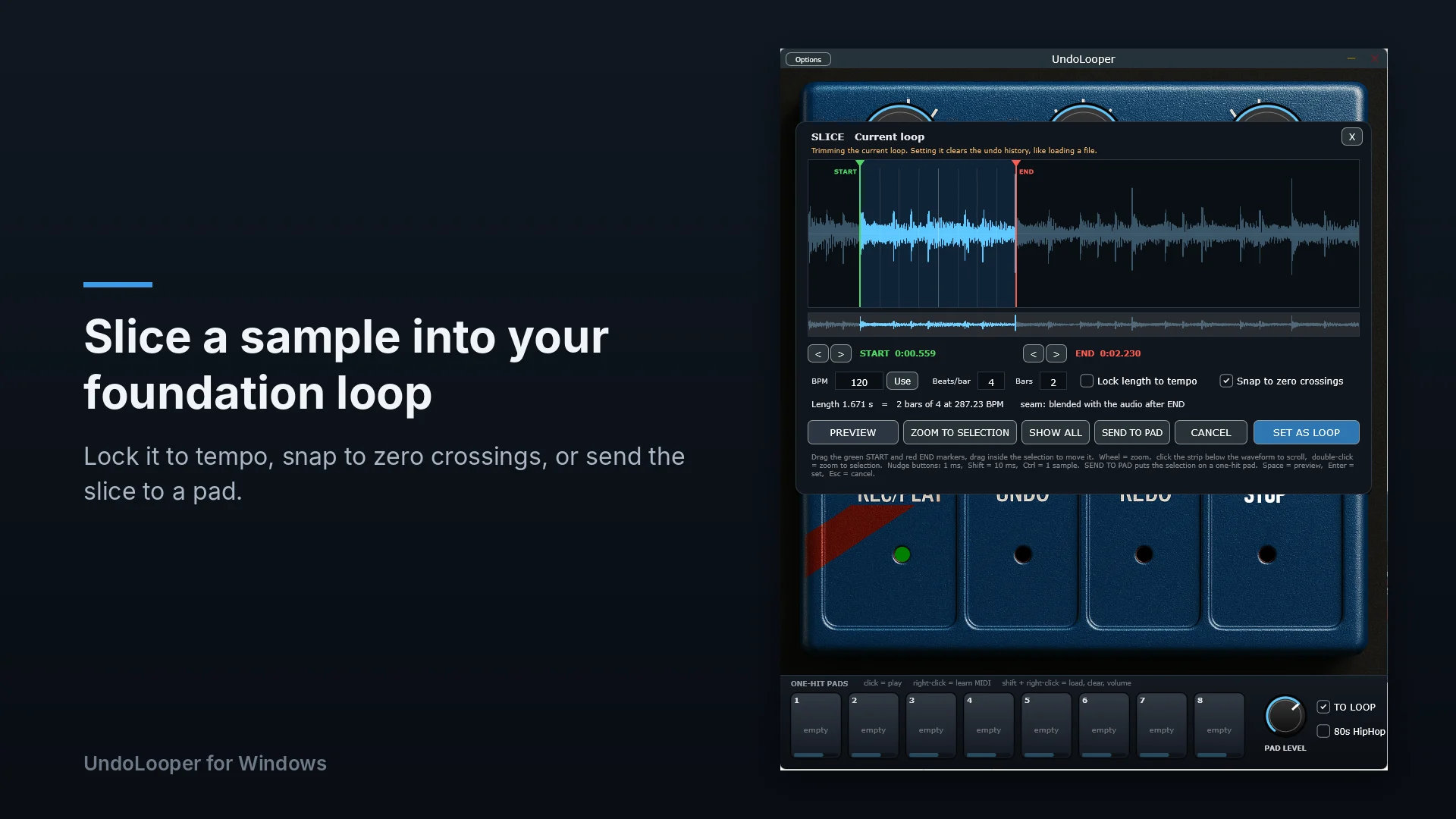
New in version 1.3.0 for Windows: a SLICE panel for cutting your foundation loop out of any sample, and eight one-hit pads under the pedal.
Performance Looping
- Use unlimited undo and redo as performance tools to structure songs on the fly.
- Strip a massive chorus down to just bass and drums in seconds.
- “Echo Stop” adds a manicured musical tail. No more harsh, unmusical cuts.
Total Session Recall
- Save your audio and complete undo/redo history in a single .undoloop file.
- Practice your arrangement tomorrow exactly where you left off.
- Share files with other musicians to collaborate or study how they build layers.
Near Zero Latency, Zero Friction
- Less than 1ms with standard ASIO hardware. Instant response on every press. Your timing stays completely locked in.
- No annoying double-taps. The only long-press is an intentional hold-to-clear to protect your work.
- Standalone modes hook directly into your audio interface for incredibly low latency.
Built for the Stage
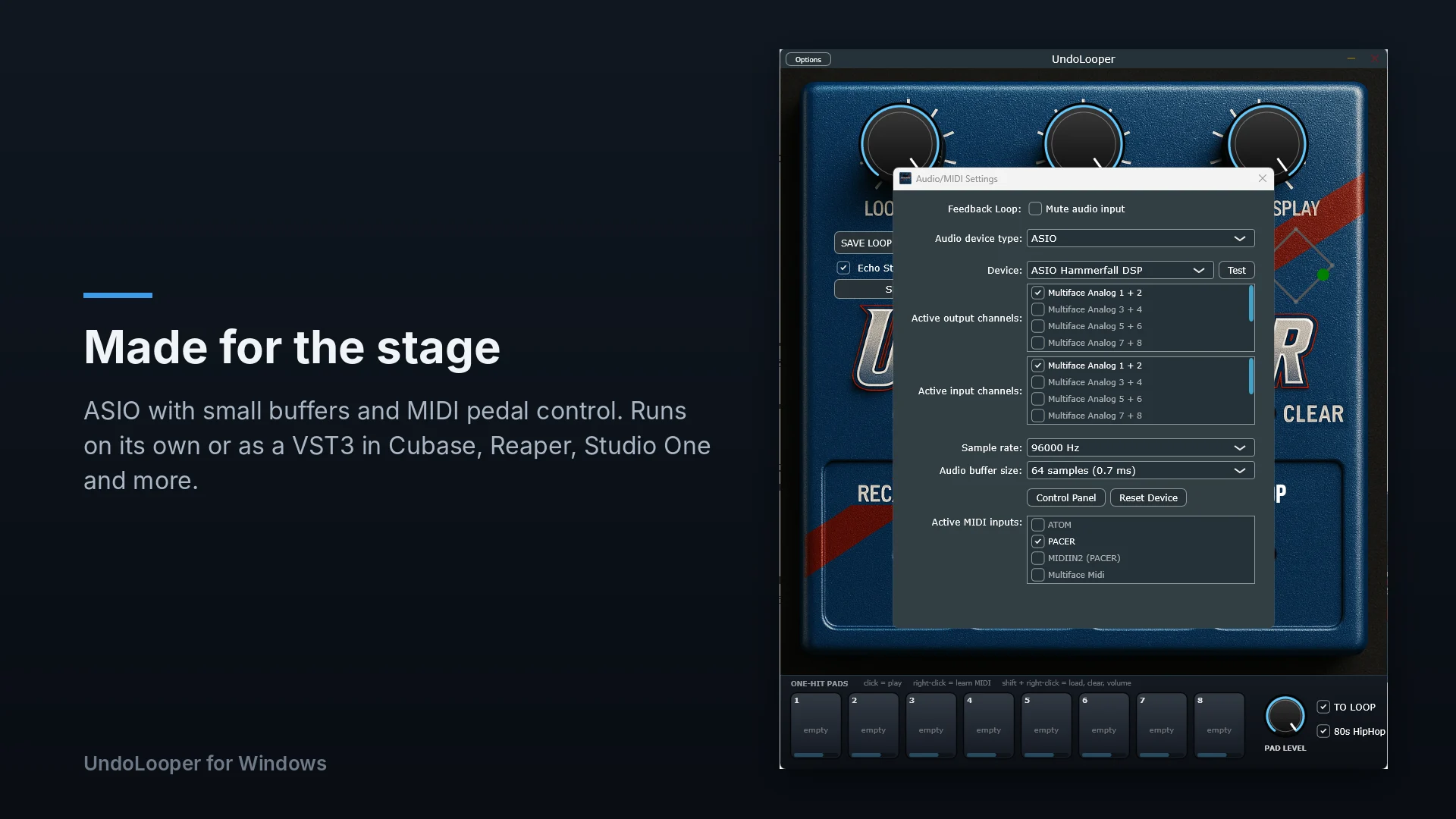
- MIDI learn maps instantly to your foot controller via CC or NOTE messages.
- Run multiple instances side-by-side. Map one looper’s stop to another’s play for seamless transitions.
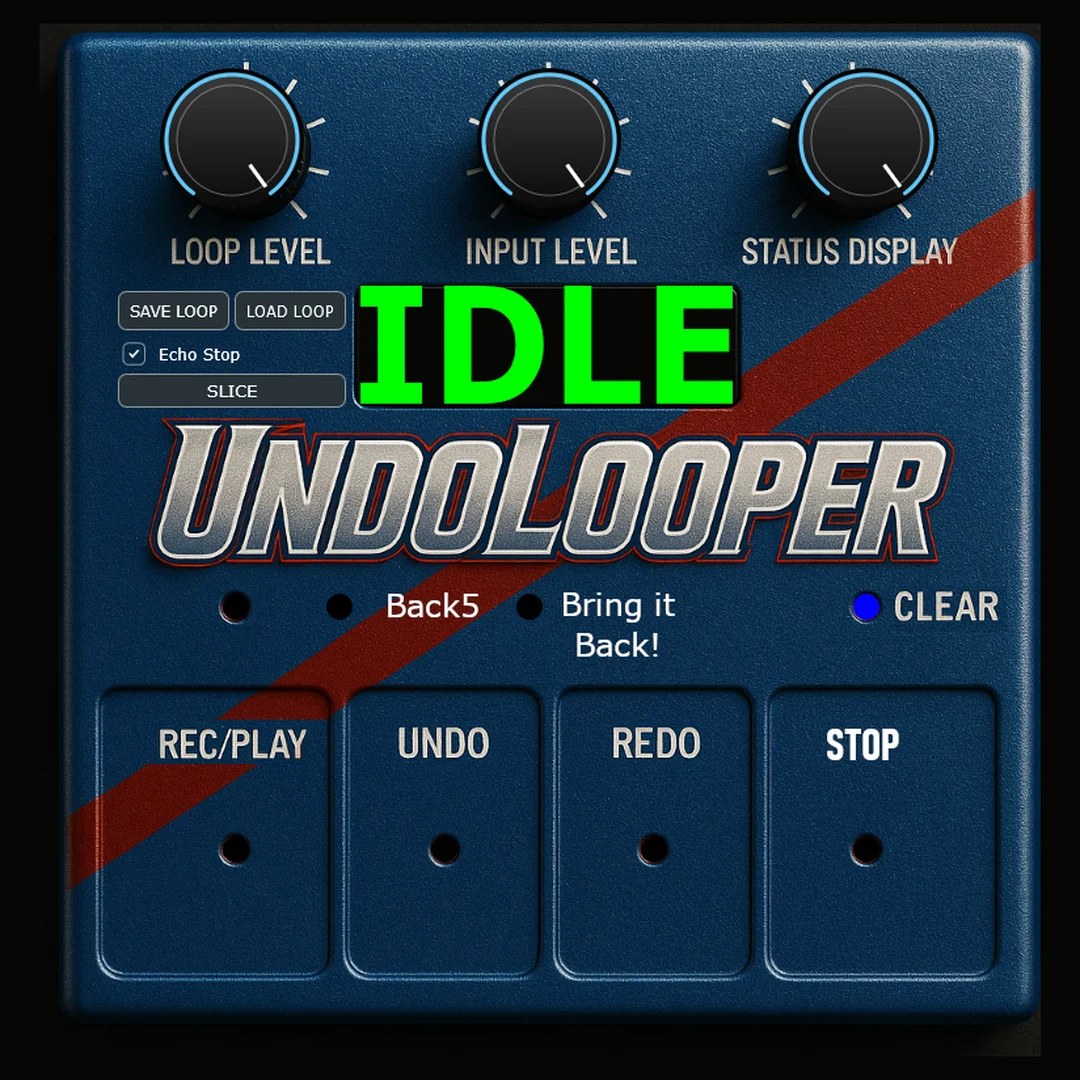
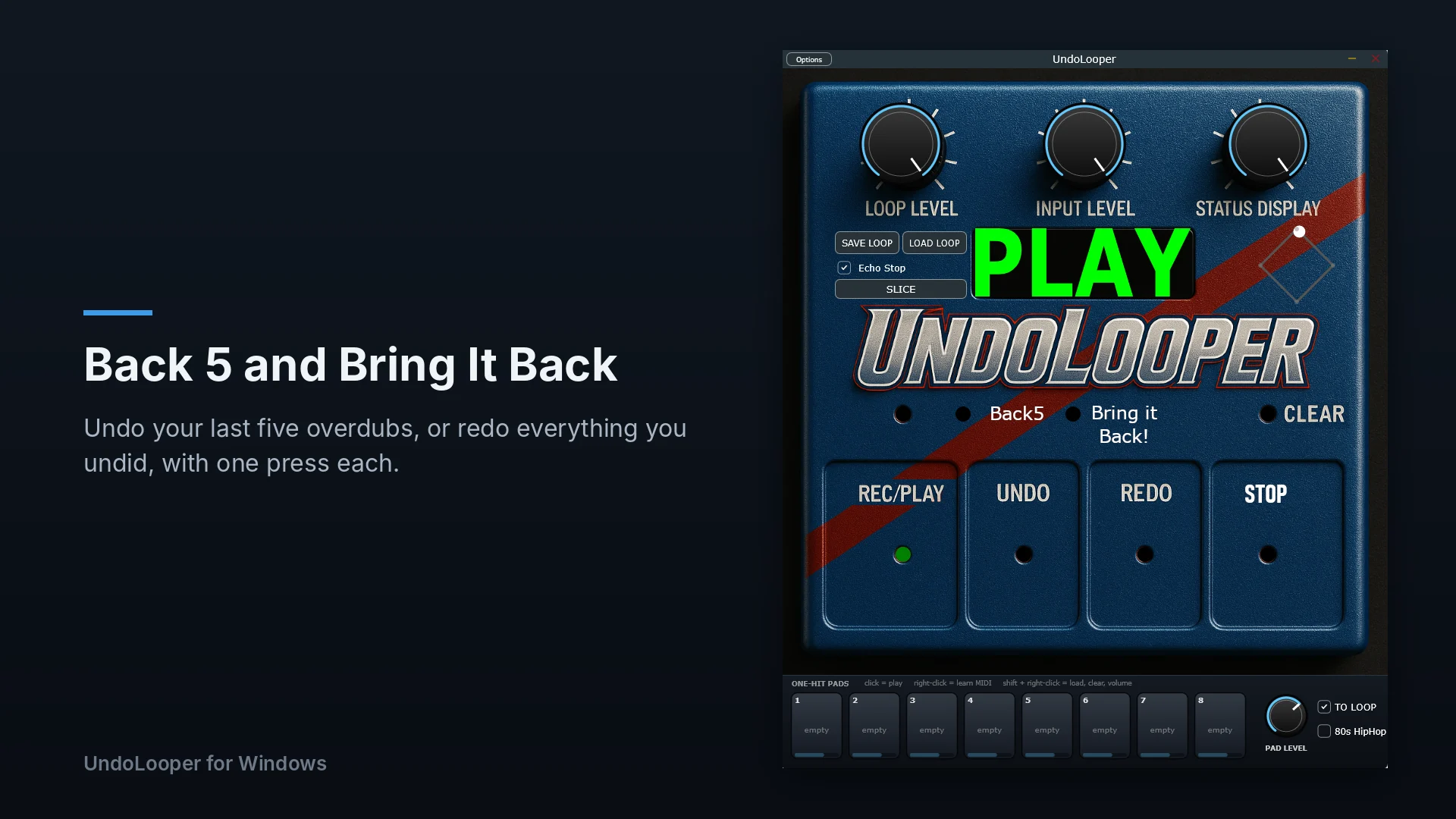
- Hit “Back 5” to instantly drop five layers, or “Bring It Back” to recover a wiped loop.
Core features
Unlimited History
The application stores an indefinite number of recorded audio layers in system memory, allowing sequential backward and forward navigation through the entire performance.
Back 5 Function
Zoom backward 5 layers. A dedicated command that removes the five most recently recorded audio layers with one button press.
Bring It Back Function
All Back. That’s right, if you Undo or Back 5, you can bring all your layers back by hitting Bring it Back. This allows you to use UndoLooper as your Verse to Chorus livelooping workflow. Big full sound when you Bring it Back.
Echo Stop
Applies a custom UndoLooper curated and automated, decaying echo tail to the audio output upon stopping playback, preventing hard audio cuts. You can easily turn this feature On/Off located in the top right corner.
MIDI Integration
Includes a built-in MIDI learn system compatible with both Control Change (CC) and Note messages from external hardware. Almost any generic or Pro midi device can control UndoLooper.
.undoloop Format
Save your Loop to ONE FILE. ONE. Send it to your friends. Easily Collaborate. Let your fans download it and jam along on their undoloopers. Utilizes a proprietary file extension to save session data. This means you can load the file later and all the layers are there and you can undo and redo through them again. Your fans can jam along with you.
New in 1.3.0 for Windows
The November 2026 update to the Windows standalone app and VST3. Your .undoloop files still open on Windows, Mac and iPad.
SLICE Panel
Open any sound file and cut out the exact loop you want as your foundation. Drag the start and end markers on the waveform, lock the length to a tempo and bar count, snap to zero crossings, and preview the loop while you adjust it. What you hear in preview is exactly what gets set. Files longer than 60 seconds open in SLICE automatically instead of failing to load.
Eight One-Hit Pads
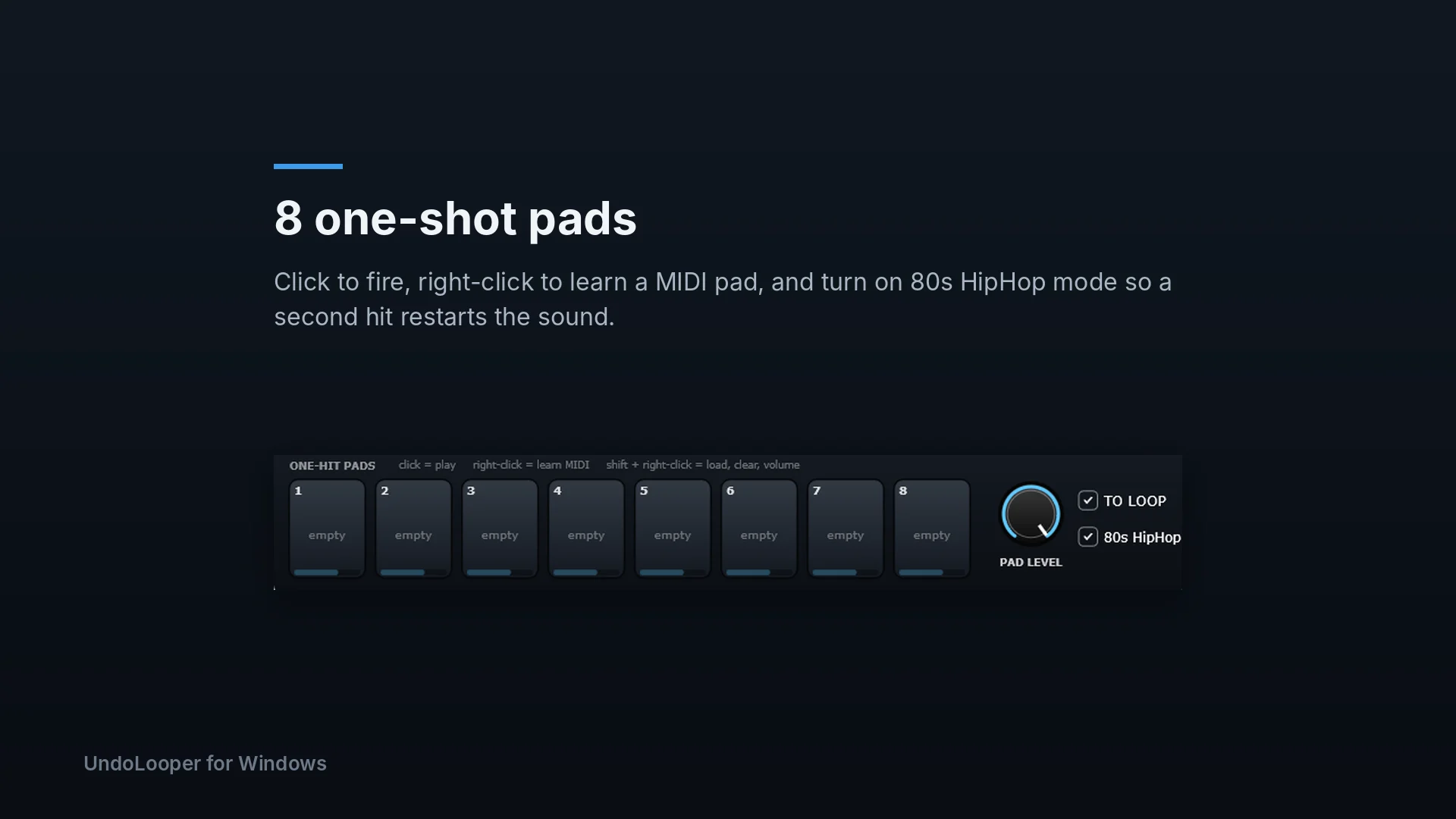
A strip of 8 pads under the pedal. Click an empty pad or drop files on it to load sounds, then hit it with the mouse, a MIDI note or CC, or a computer key in the standalone app. MIDI hits land on the exact sample they arrive, even with the plugin window closed. Each pad has its own volume, and the pads, volumes and mappings are saved with your session.
TO LOOP
With TO LOOP on, the pads go into the looper like your input, so they get recorded into the loop. Turn it off and the pads play over the top without being recorded.
80s HipHop Mode
Off by default: every hit plays out in full, and repeat hits ring over each other. Turn on 80s HipHop and hitting a pad that is still playing cuts it off and starts it again from the top, like the one-voice samplers of the era. A hit nobody interrupts still plays to the end, and one pad never cuts another.
Send to Pad
Chop hits out of a sample in SLICE and drop each one on a pad without touching your loop. The panel stays open, so you can cut several hits from one file. Slices are saved as WAV files in Documents\UndoLooper\Pad Slices, so the pads reload after a restart.
Download UndoLooper
Select your operating system below to get the latest version. New to UndoLooper? Start with the manual.
Windows
Standalone App & VST3 Plugin
- OS Requirement Windows 10 / 11
- Architecture 64-bit
- Format Standalone, VST3
- Version 1.3.0
- Price Free to try, $59.99 to unlock
Buying unlocks the copy you already have: 60-second loops, saving and Echo Stop, on two computers.
macOS
Standalone App & AU Plugin
- OS Requirement macOS 11 or later
- Architecture Apple Silicon / Intel
- Format Standalone, AU plugin
- Version 1.2.3
- Price $59.99, everything included
iPad
UndoLooperGO: Standalone App & AUv3 Plugin
- OS Requirement iPadOS 18 or later
- Format Standalone, AUv3
- Price Free, $9.99 Pro upgrade
The original UndoLooper pedal for iPad. SLICE and the one-hit pads are on Windows for now.
Getting help
Support and Questions
Bug reports, license help, questions about how something works, or ideas for UndoLooper.
UndoLooper is made by one developer, so your email goes straight to the person who writes the code.
Try UndoLooper
Free to try on Windows.
© 2026 UndoLooper. All rights reserved.